Product · Videtics Perception
Your cameras see. Perception makes sense of it.
AI video analytics software designed in France to detect situations, measure flows and find relevant footage. On your servers, with your cameras and within the tools your teams use.
Designed and developed in France · Part of the Technis group
 Perception
Illustrative overview · Demo data
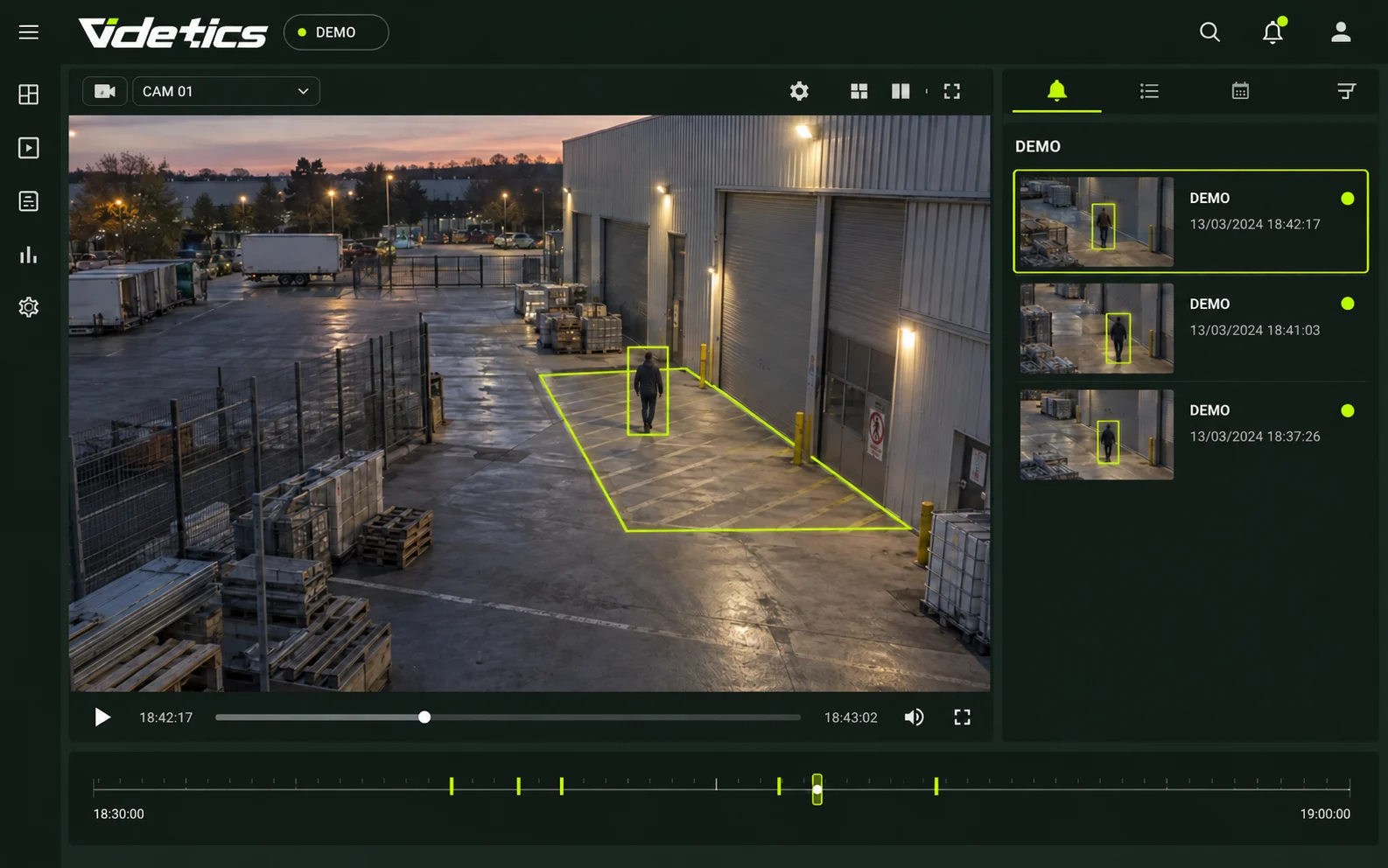
One view to observe, measure and decide.
Useful in the field. An architecture you control.
On site
Deploy analytics on a server within your infrastructure. Define the connections and access required for operations.
Designed in France
Videtics develops the models and software in Sophia Antipolis as part of the Technis group.
Your equipment
Use compatible feeds from your camera network and connect results to existing tools.
Specialised models
Select analytics for your scenes: people, vehicles, vessels, posture, density or thermal imagery.
Human decisions
AI flags a situation. Operators review the image, assess the event and decide how to respond.
No facial recognition
Detect objects and situations without identifying faces. Blurring can be configured for the intended use.
From video feeds to useful information.
Perception reads images, runs selected analytics and applies your rules. The server processes feeds; the application and connectors make results available to authorised people.
Example on-site deployment
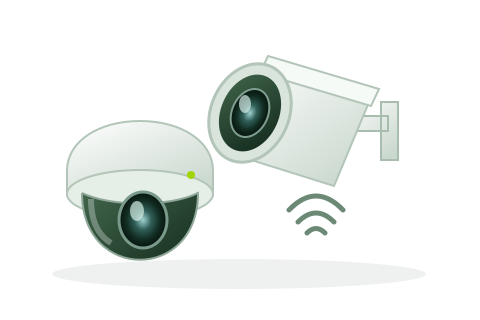
Your cameras
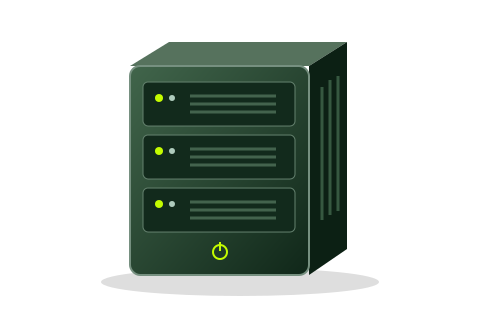
Perception server
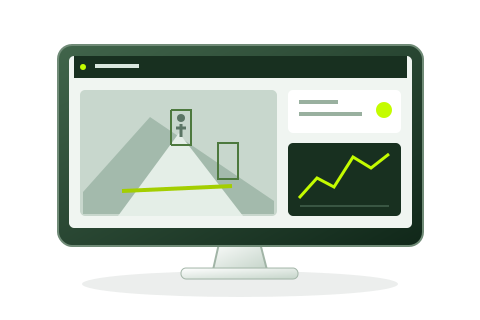
Application and VMS

Your teams
This diagram shows local processing. Feeds shared with a VMS, an external tool or remote access are defined by your architecture and permissions.
01 · Connect
Connect ONVIF/RTSP feeds directly or through a suitable VMS integration. Video files can also support recorded-footage analysis.
02 · Analyse
Assign the required models and additional analytics to each view. Image quality, framing and conditions affect results.
03 · Set rules
Draw a zone or line, select categories, schedules and thresholds, then choose the output: an alert, a count or blurring.
04 · Use results
Review results in Perception or share them through selected connectors. Verify alerts and use statistics to inform decisions.
A family of models for each type of scene.
A building entrance, a crowd and harbour waters call for different approaches. Perception combines specialised models with rules suited to your environment.
People
Silhouette detection for passages, occupancy and presence in defined areas.
Heads
Analysis where bodies overlap, depending on viewing angle and occlusions.
Vehicles and pedestrians
Classification of categories relevant to traffic, access and parking.
Vessels
Detection and classification for ports, channels and anchorages.
Posture
Analysis of observable positions, including a person on the ground or an alert gesture.
Density
Occupancy and concentration estimates where individual counting is limited.
Thermal imagery
Analysis of thermal feeds suited to the scene and site conditions.
Faces for blurring
Locating an area to mask without recognising identity.
Describe a situation. Define the response.
Example: flag a person crossing a line between 1 am and 5 am on weekdays. Configure the zone, categories and schedule in the application, then test them on your footage.
Posture, visible attributes and heatmaps complement analytics where enabled. Results depend on camera views and must be assessed during the pilot; detection is not guaranteed under every condition.
A web application for the teams taking action.
Build a supervision view for each role: video, alerts, counters and history. Access is through a compatible browser within assigned permissions.
Dashboards
Arrange video widgets, counters and charts around the areas that matter. Adapt screens for operations and presentation.
Alert review
Inspect associated information, review the scene, validate or dismiss the alert and add context. Detection is a signal to assess, not automatic proof.
Statistics and exports
Compare periods, categories and zones. Export available data to CSV or send it to the tools selected for the project.
Video search
Filter passages by time, camera and visible attributes such as clothing colour or vehicle type. Matches require human verification.
Schedules
Run scenarios continuously or within defined periods. A site can count passages by day and monitor a closed perimeter at night.
Administration and monitoring
Assign role-based permissions, consult available logs and monitor feed and server health. Define follow-up procedures with your technical team.
Control processing. Choose who has access.
An on-site architecture lets you analyse images within your infrastructure. Centralisation, exports and remote maintenance are defined explicitly: destinations and purposes must be understood before data is shared.
Hosting and network
Define servers, permitted flows and access methods. Isolated-network, maintenance and update requirements are validated during technical assessment.
Blurring and permissions
Configure areas to mask and viewing or export rights. Blurring is a safeguard; it does not automatically make all processing anonymous.
Retention and traceability
Set appropriate retention periods for each data type and purpose. Specify logged actions and who can access the history.
Deployment framework
Involve data protection and security teams in assessing purposes, risks and necessary authorisations. The absence of facial recognition alone does not establish compliance.
Perception fits into your environment.
Keep the tools your teams already use. Integrations connect Perception to VMS, supervision and data platforms, with scope checked against your versions and use cases.
The starting point: your video feeds.
IP feeds compatible with ONVIF or RTSP are assessed during the audit. Fixed, dome, bullet or thermal cameras: feed compatibility alone is not enough; optics, framing and stability must also suit the analytics. PTZ, fisheye and mobile sources require specific validation.
VMS, supervision and partner platforms.

VMS
Milestone XProtect

VMS / supervision
Genetec Security Center

VMS / supervision
CASD VisiMAX

VMS
Nx Meta

Supervision
ACTIA

Supervision
iPartner Hypervision

Supervision
Onhys Serenity

Supervision
AzurSoft MyVideoAnalytics

Supervision
Crimson

IoT platform
KHEIRON IoT

Digital twin
OODA

Digital twin
3dverse
The systems below are among the integrations publicly listed by Videtics. Features are not identical across connectors: versions, alerts, images, counters and camera synchronisation must be specified during assessment.
Data exchange that connects your systems.
MQTT and Kafka
Plan message exchange with your platforms using available connectors. Define formats, permissions and transport security.
CSV and business tools
Use statistical exports in reporting tools. APIs and custom development are scoped against documentation and project requirements.
Multiple sites
Assess centralised supervision with Videtics Cloud Services. Define hosting, shared data and any access to images for each site.
Bring video insights into your space data.
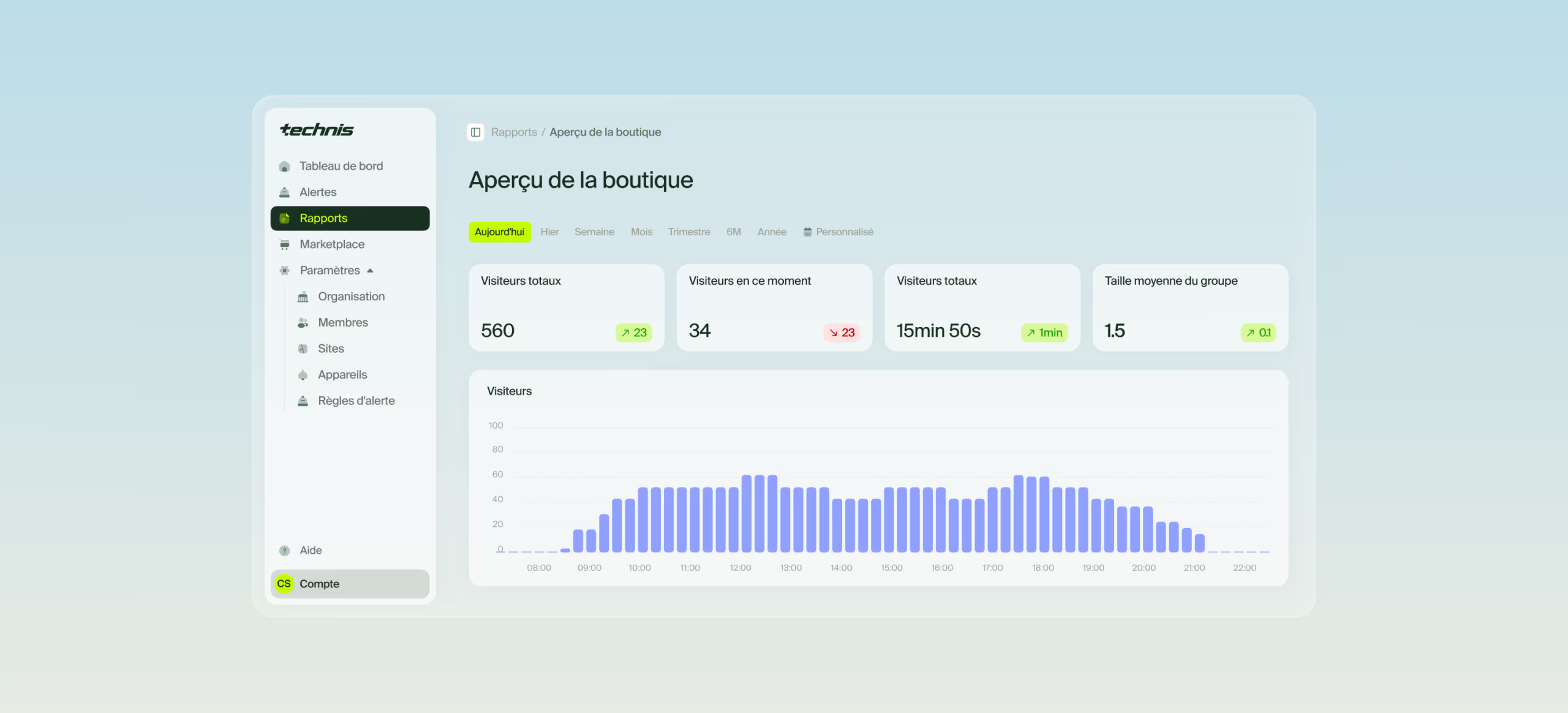
With Technis Spaces, Perception metrics can complement Technis sensor data. The project defines which counts, occupancy and dwell-time metrics to bring together, keeping statistics distinct from access to images.
From the first feed to a multi-site rollout.
Size the server for real analytics workloads, not just a camera count. Resolution, frame rate, active models and additional analytics determine computing load.
Our server partners
Videtics partners with Dell and Lenovo on server projects. Hardware configurations are tailored to your video feeds and deployed analytics.


V-ED · Compact
An edge format for a limited scope, building or pilot. Capacity is confirmed for the selected feeds and scenarios.
V-TOWER · Tower
A tower format for sites without a server rack, sized for the project.
V-SERV · Rack
A format for supervision infrastructure and larger camera networks, with a suitable GPU configuration.

NVIDIA Jetson
Embedded AI with NVIDIA Jetson.
Videtics also uses NVIDIA Jetson for embedded video analytics projects. Intelligence runs close to the cameras in compact devices, supporting counting, flow analysis and detection of relevant events.
Close to the source
Process images locally and send the indicators or alerts your tools need.
Built for embedded deployments
Projects on board transport vehicles, in mobile equipment or at installations with limited space.
Configured for your project
The Jetson module, enclosure, power supply and cooling are selected to match your constraints and enabled analytics.
Licensing aligned with enabled uses.
Commercial scope is built around analysed feeds and required functions: security, counting and mobility, and video search. Adding feeds or analytics depends on available capacity and licence terms. Maintenance and updates are specified in the proposal.
Validate, then deploy.
Audit
Review cameras, network, needs and data protection requirements.
Pilot
Representative views, defined scenarios and measurable acceptance criteria.
Rollout
Installation, integration, access configuration and scenario tuning with teams.
Training and follow-up
Operator and administrator training, support procedures and performance monitoring.
Answers to your technical questions.
Do I need to replace my cameras?
Not necessarily. The audit checks ONVIF/RTSP feeds, video characteristics and suitable views. A compatible camera may need repositioning for a particular scenario.
Does Perception use facial recognition?
No. Face localisation is used for blurring, not identity recognition. Other analytics concern categories and observable situations.
Where are images processed?
In the on-site deployment shown here, images are analysed within your infrastructure. Export, supervision and remote-access destinations are defined during assessment.
Can it operate without Internet access?
Local processing can be assessed without mandatory public cloud use. Licensing, updates, maintenance and isolated-network operation must be validated with the technical team.
How do I check my VMS?
Share its name, version and required functions. Assessment specifies the connector, prerequisites and available exchanges: alerts, images, counters or synchronisation.
How many feeds can a server analyse?
Capacity depends on hardware, resolution, frame rate and enabled analytics. Sizing against your scenarios replaces a universal capacity promise.
What is the difference between detection and an alert?
Detection locates an object or situation in the image. A zone, schedule or threshold rule determines whether it produces an alert for review.
Does the software guarantee GDPR compliance?
No. Compliance also depends on purposes and deployment. Safeguards, permissions and logs contribute to the setup assessed with your data protection officer.
Can it analyse footage at night?
Yes, depending on cameras and conditions. Lighting, thermal contrast, weather and occlusions affect detection. Representative views are assessed during the pilot.
How do we get started?
Share your use cases, camera network and VMS. A demonstration helps scope a pilot; timing and success criteria are agreed together.
Explore Perception use cases.
See Perception on your own use cases.
A demonstration to understand the software. A pilot to assess results on your site. Tell us about your cameras and what you want to achieve.
Designed and developed in France · Part of the Technis group